Connecting to your Bambu Labs X1 Carbon via FTP
I haven’t seen this feature advertised by Bambu at all, but apparently you can access your Bambu Labs printer via FTP(S).
To start, look for your printer’s IP address. The easiest way to do this is to go to your router’s webpage and look at the connected devices.
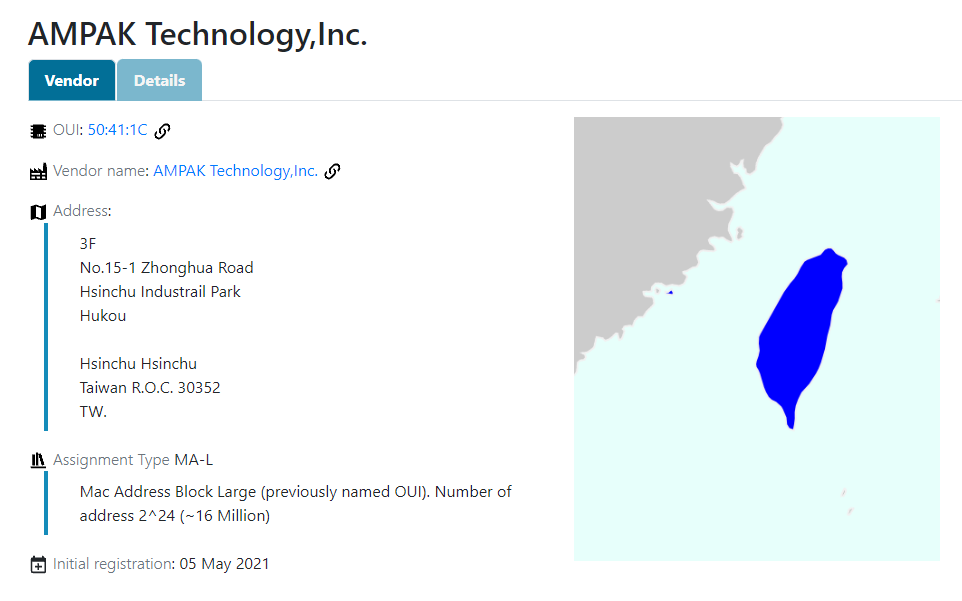
Look for a device labelled AMPAK Technology.
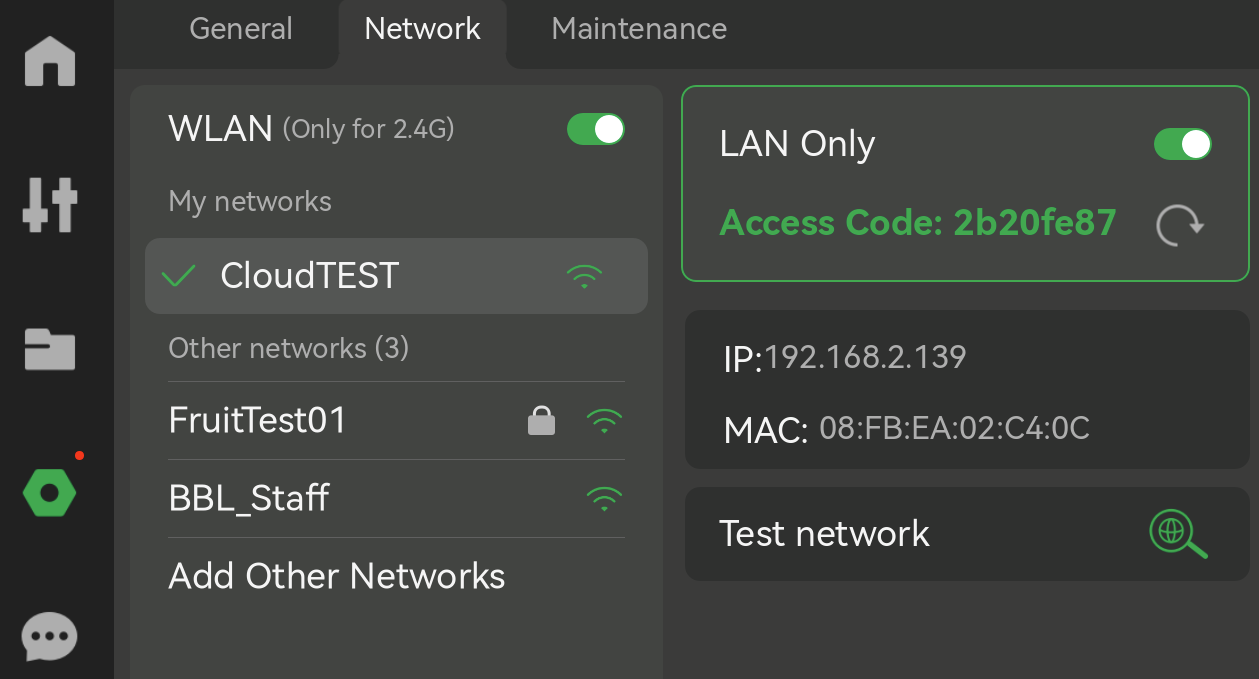
Then go to your printer’s “Network” menu and copy the “Access Code” under the “LAN” section, this will be the password for login. It should be 8 characters long.
So these are the parameters to use in FileZilla, or the FTP client of your choice:
| Field    | Value                              |
|----------|------------------------------------|
| Host     | `ftps://<YOUR_PRINTERS_IP_ADDRESS>`|
| Username | `bblp`                             |
| Password | Your LAN Access Code               |
| Port     | Leave blank!                       |
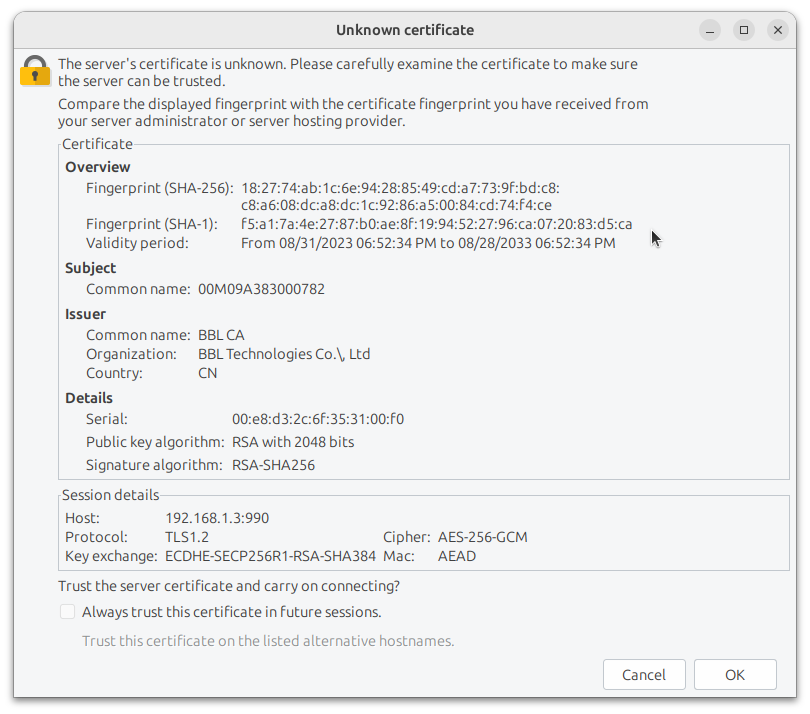
When you first connect you’ll get a message asking you about the certificate. Go ahead and save it, by clicking “OK”.
Here’s the certificate fingerprint and info if you’re nervous:
SHA-256: 18:27:74:ab:1c:6e:94:28:85:49:cd:a7:73:9f:bd:c8:c8:a6:08:dc:a8:dc:1c:92:86:a5:00:84:cd:74:f4:ce
SHA-1: f5:a1:7a:4e:27:87:b0:ae:8f:19:94:52:27:96:ca:07:20:83:d5:ca
Validity: 08/31/2023 06:52:34 PM to 08/28/2033 06:52:34 PM
Common name: BBL CA
Organization: BBL Technologies Co.\,Ltd
Country: CN
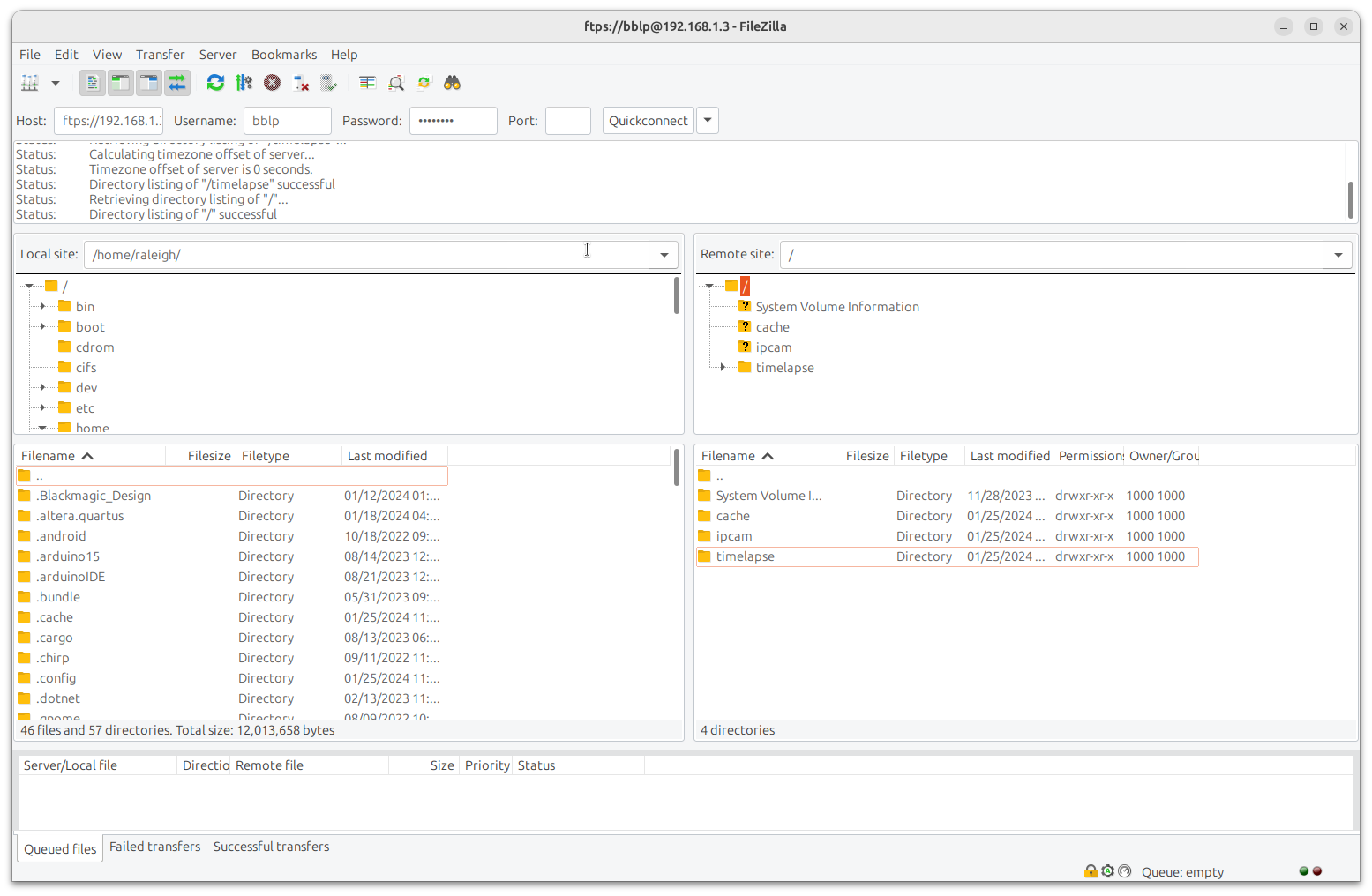
And voila! You should now see the contents of your printer’s SD card.
Leave a comment