Getting an iSight firewire camera to work on Linux in 2024
Background
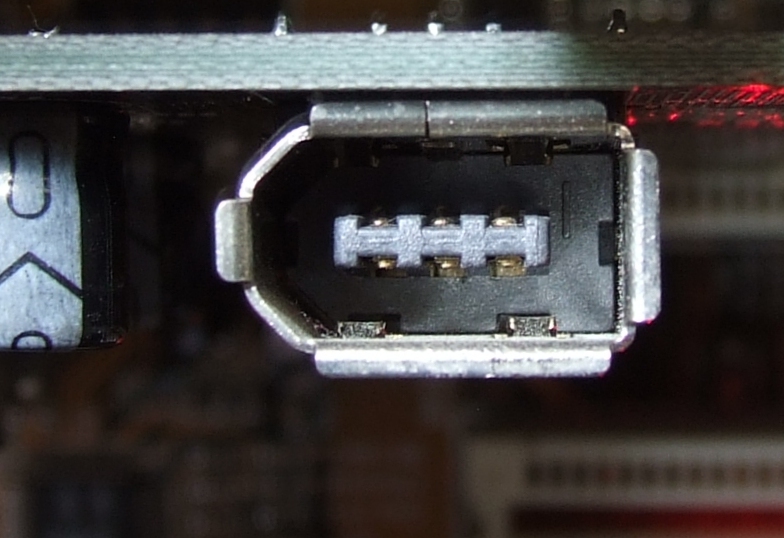
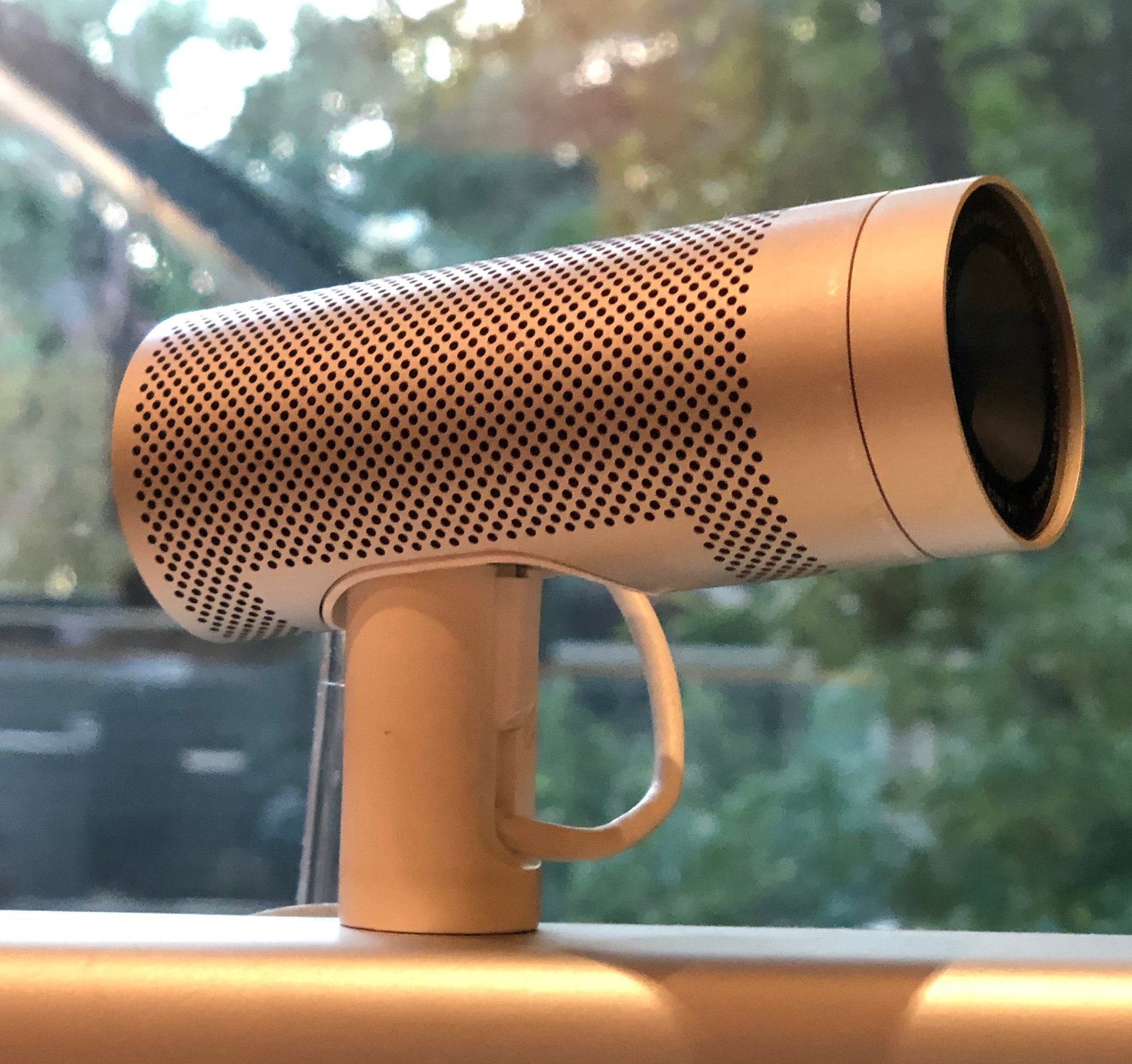
The original Apple iSight camera (Model: A1023) came out in 2003 when Apple was still trying to push its “Firewire” (officially known as IEEE 1394) standard, instead of using USB. Firewire was discontinued officially in 2012 and has disappeared from any “modern” computers that you can buy today, which also means that software support for Firewire devices is dwindling.
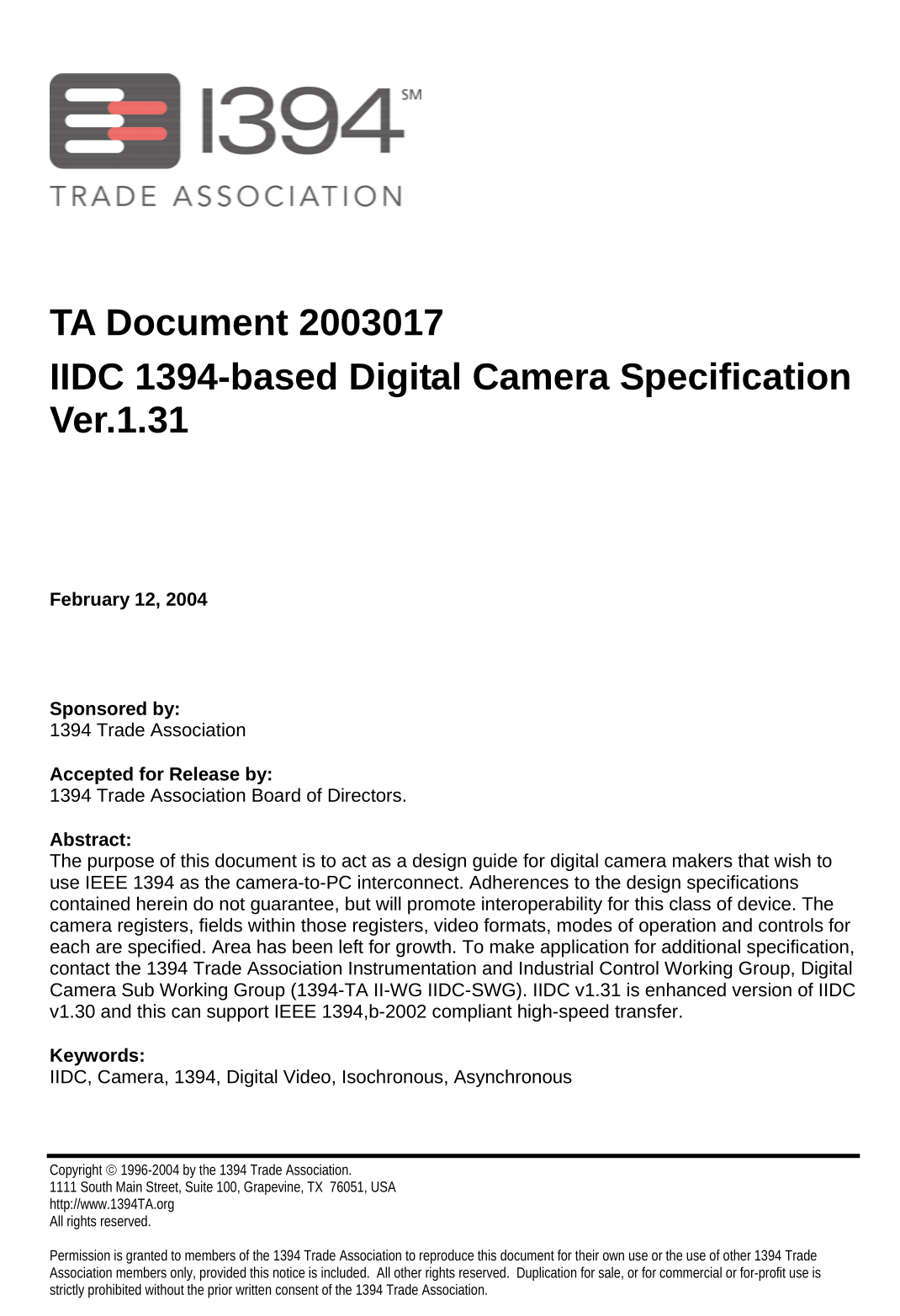
Oddly, Apple chose to implement the “IIDC” protocol for their Firewire cameras, but didn’t quite do it correctly (more on this later..)
The standard is available online, and so far there are only 2 actively-maintained programs that support this protocol:
- FFMPEG: https://www.ffmpeg.org/ffmpeg-devices.html#toc-iec61883
- VLC: https://wiki.videolan.org/Documentation:Modules/dc1394/
For reasons unbeknownst to me, FFMPEG didn’t work with the iSight, but VLC did.
This post will show how to use your Apple iSight camera on a modern Linux distribution - specifically Ubuntu 24, but the instructions are adaptable to other distributions.
Hardware
All you’ll need other than a Firewire cable (and obviously your camera) is a Firewire PCIe adapter. It specifically needs to support the “Open Host Controller Interface” (OHCI) standard.
The one I’m using is made by Vantec:
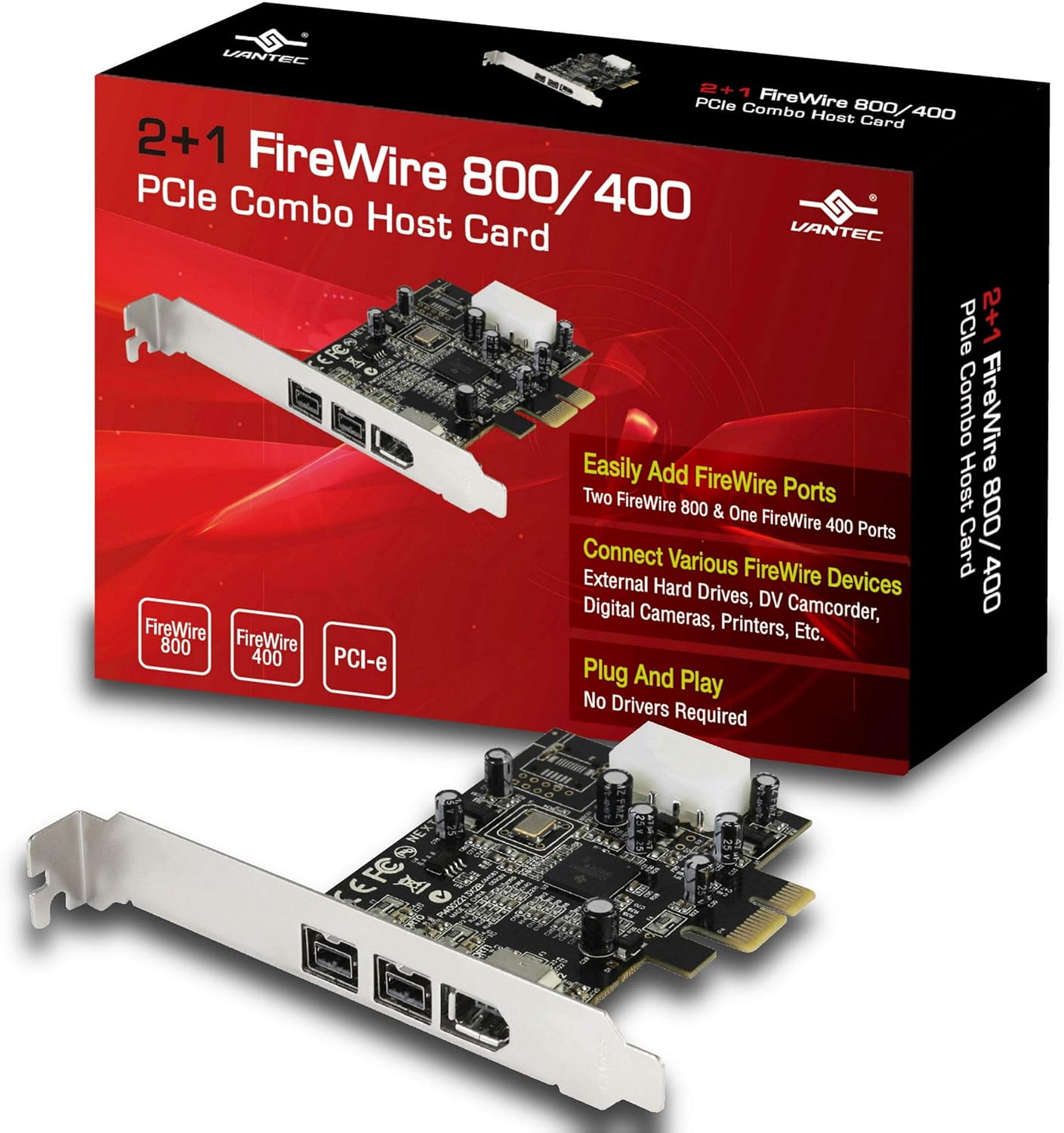
but more importantly, this is the chipset it’s using
FireWire (IEEE 1394): Texas Instruments XIO2213A/B/XIO2221 IEEE-1394b OHCI Controller [Cheetah Express] (rev 01)
Steps
Start by installing your PCIe card and turning on your PC.
Load the firewire kernel modules:
sudo modprobe firewire-core firewire-sbp2 firewire-net firewire-ohci
(Remember you can add modules to your /etc/modules file to be loaded on boot)
Next, install some libraries from APT:
sudo apt install libavc1394-dev libavc1394-tools libdc1394-dev libdc1394-utils
Next, install VLC.
Run:
vlc dc1394://
And you should see your camera’s input shown
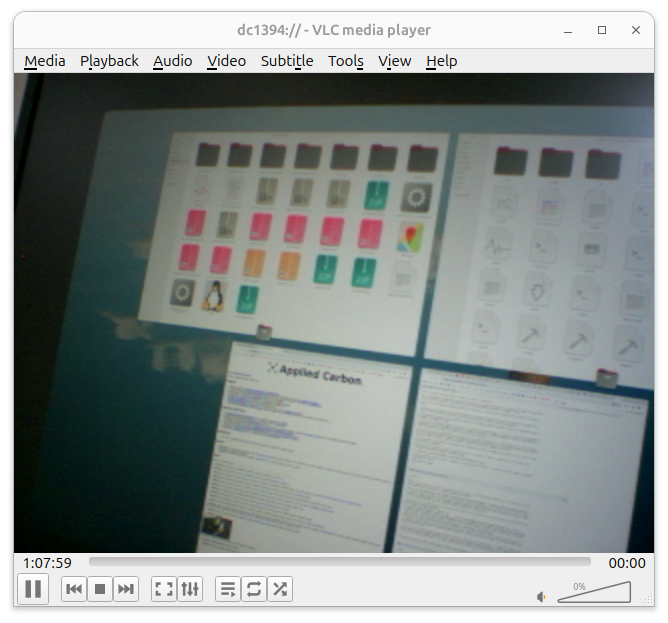
with the relevant info:
------ Camera information ------
Vendor                            :     Apple Computer, Inc.
Model                             :     iSight
Unit                              :     0
Specifications ID                 :     0xa02d
Software revision                 :     0x102
IIDC version code                 :     547
Unit directory offset             :     0x43c
Unit dependent directory offset   :     0x44c
Commands registers base           :     0x10000
Unique ID                         :     0x000a27000412ec9a
Vendor ID                         :     0x80007
Model ID                          :     0x0
1394b mode capable (>=800Mbit/s)  :     No
Platform backend                  :     juju
------ Camera platform-specific information ------
Device filename                   :     /dev/fw1
------ Features report ------
OP   - one push capable
RC   - readout capable
O/OC - on/off capable
AC   - auto capable
MC   - manual capable
ABS  - absolute capable
-----------------------------
Brightness:
	RC  MC  (active is: MAN)
	min: 0 max 1047
	current value is: 125
Exposure:
	RC  O/OC  MC  (active is: AUTO)  AC  (active is: AUTO)  OP  (active is: AUTO)
	Feature: ON  min: 1 max 255
	current value is: 110
Sharpness:
	NOT AVAILABLE
White Balance:
	RC  O/OC  AC  (active is: AUTO)  OP  (active is: AUTO)
	Feature: ON  min: 0 max 0
	B/U value: 0 R/V value: 0
Hue:
	RC  MC  (active is: MAN)
	min: 0 max 360
	current value is: 180
Saturation:
	RC  MC  (active is: MAN)
	min: 0 max 200
	current value is: 120
Gamma:
	NOT AVAILABLE
Shutter:
	RC  O/OC  MC  (active is: MAN)
	Feature: OFF  min: 0 max 3524
	current value is: 150
Gain:
	RC  O/OC  MC  (active is: MAN)
	Feature: OFF  min: 0 max 767
	current value is: 1
Iris:
	NOT AVAILABLE
Focus:
	RC  MC  (active is: AUTO)  AC  (active is: AUTO)  OP  (active is: AUTO)
	min: 1 max 100
	current value is: 40
Temperature:
	RC  O/OC  MC  (active is: MAN)
	Feature: OFF  min: 250 max 1250
	Target temp: 1679360 Current Temp: 410
Trigger:
	NOT AVAILABLE
Trigger Delay:
	NOT AVAILABLE
White Shading:
	NOT AVAILABLE
Frame Rate:
	NOT AVAILABLE
Zoom:
	NOT AVAILABLE
Pan:
	NOT AVAILABLE
Tilt:
	NOT AVAILABLE
Optical Filter:
	NOT AVAILABLE
Capture Size:
	NOT AVAILABLE
Capture Quality:
	NOT AVAILABLE
As you can see, a lot of the fields are unavailable, which again I think is a quirk on the Apple iSight itself versus the VLC standard implementation.
So there you have it, but we’re not quite done.
OBS supports a VLC input source, so you can use it there, but I have not reliably found a way to map it as a regular webcam using the V4L2 interface…
I tried running this command, to pipe the output of the video into the actual /dev/video0 (a v4l2 loopback device) file:
vlc dc1394:// --sout="#transcode{venc=x264{preset=ultrafast},vcodec=h264, acodec=aac, scodec=ssa}:std{access=file{append}, mux=mkv, dst=/dev/video0}"
but after about a second I would get a bunch of these errors:
[00007e8a200036a0] avformat mux error: could not write frame (pts: 11056411727, dts: 11056411727) (pkt pts: 11056411, dts: 11056411)
[00007e8a200036a0] avformat mux error: could not write frame (pts: 11056478524, dts: 11056478524) (pkt pts: 11056478, dts: 11056478)
[00007e8a200036a0] avformat mux error: could not write frame (pts: 11056545235, dts: 11056545235) (pkt pts: 11056545, dts: 11056545)
[00007e8a200036a0] avformat mux error: could not write frame (pts: 11056611999, dts: 11056611999) (pkt pts: 11056611, dts: 11056611)
[00007e8a200036a0] avformat mux error: could not write frame (pts: 11056678979, dts: 11056678979) (pkt pts: 11056678, dts: 11056678)
[00007e8a200036a0] avformat mux error: could not write frame (pts: 11056745509, dts: 11056745509) (pkt pts: 11056745, dts: 11056745)
[00007e8a200036a0] avformat mux error: could not write frame (pts: 11056812297, dts: 11056812297) (pkt pts: 11056812, dts: 11056812)
Hoping someone who knows more than I about VLC can come along to help.
Leave a comment