NissanConnect SrvUpdateFile
About
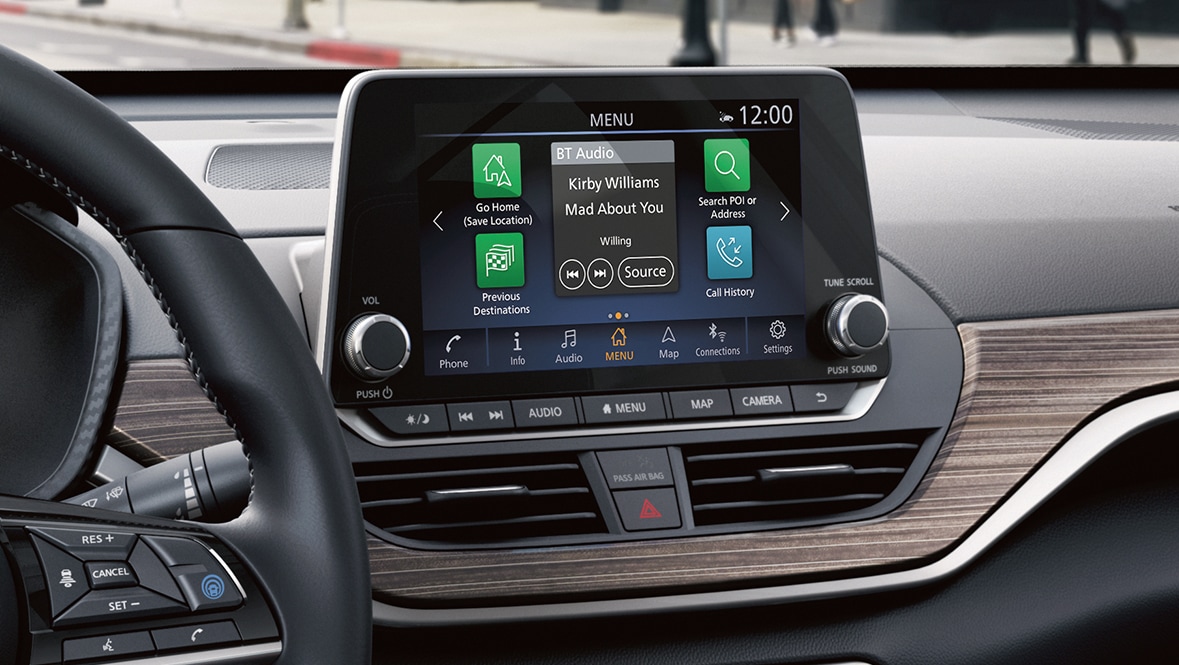
Newer Nissan vehicles, equipped with an “infotainment” system, can create an XML file containing device information.
To create this file, connect a USB flash drive to your car’s USB port. The flash drive should be in FAT format. Then go to Info -> System Update, and choose the “Save System Info to USB” option.
Click “Start”, then after a few seconds, you should see a screen that says “Version Information is saved to USB”
Remove your USB drive, and you’ll see a file called SrvUpdateFile.xml created at the root of the drive.
Contents
Here’s the contents of my SrvUpdateFile.xml file, on a 2021 Nissan Altima:
<?xml version="1.0" ?>
<HUIDS>
    <NAVIUNITID>1GP5GRT5</NAVIUNITID>
    <VERSION>0825</VERSION>
    <RELEASE>0825</RELEASE>
    <MAIN_VERSION>1481_200810</MAIN_VERSION>
    <BUILD_LABEL>AI_PRJ_RN_AIVI_16.9V81</BUILD_LABEL>
    <FCID>0068</FCID>
</HUIDS>
Leave a comment